On-prem deployment • Corporate theming • Turkish and English
Run support, work and quality in one platform
Log calls and requests and watch SLA timers; run everything from CAPA to ISO 9001 documents and from equipment maintenance to field teams without spreadsheets, with the whole team on the same screen.
No customer logos, invented statistics or benchmarks we did not measure. We describe only what we ship.
Runs on your server
It is installed on your own server; your data stays with your organization.
KVKK aware
Notices, explicit consent and retention flows for personal data are part of the product.
Deployment and care
Installation, updates and backups are handled by us.
We only claim what we can show
The screens here are taken from the running application; we do not publish numbers we did not measure.
What it does
One integrated scope, from the service desk to quality management.
Support tickets and customer communication
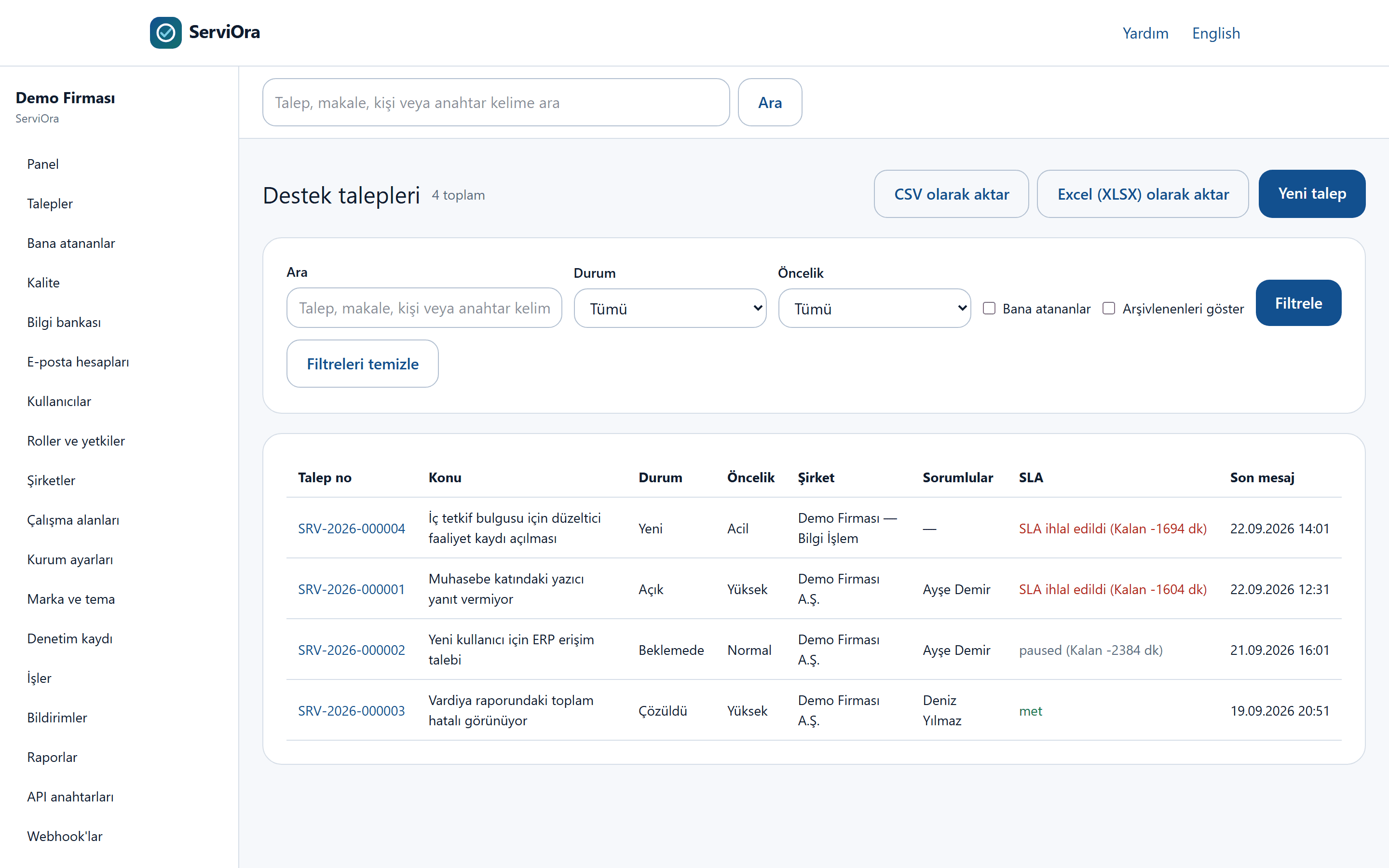
Run requests from one place and keep customer communication on record with email replies, attachments and internal notes.
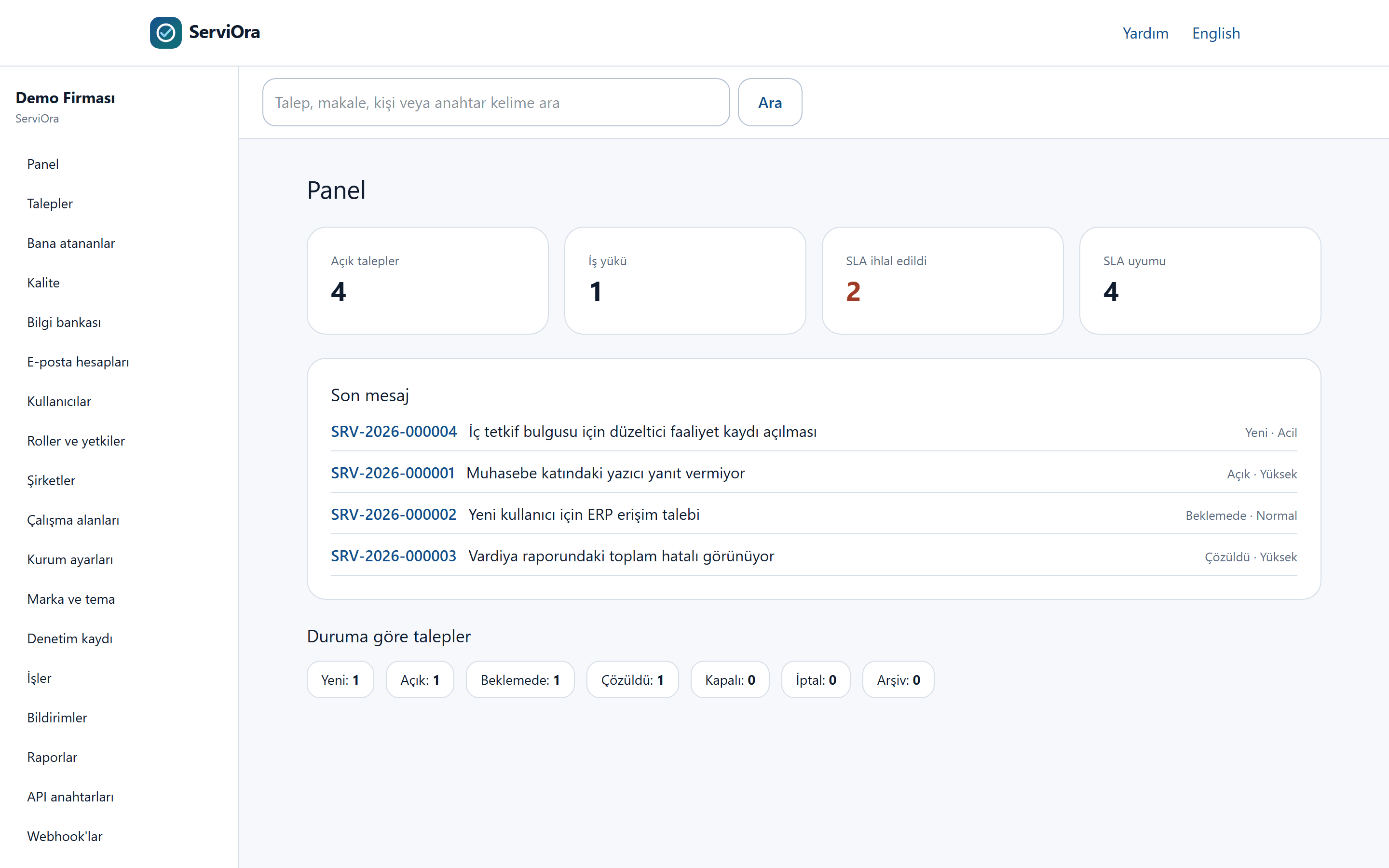
SLA timers and breaches are visible on the same screen.
Customers follow their own requests in the portal.
Quality management: CAPA, change, requirements
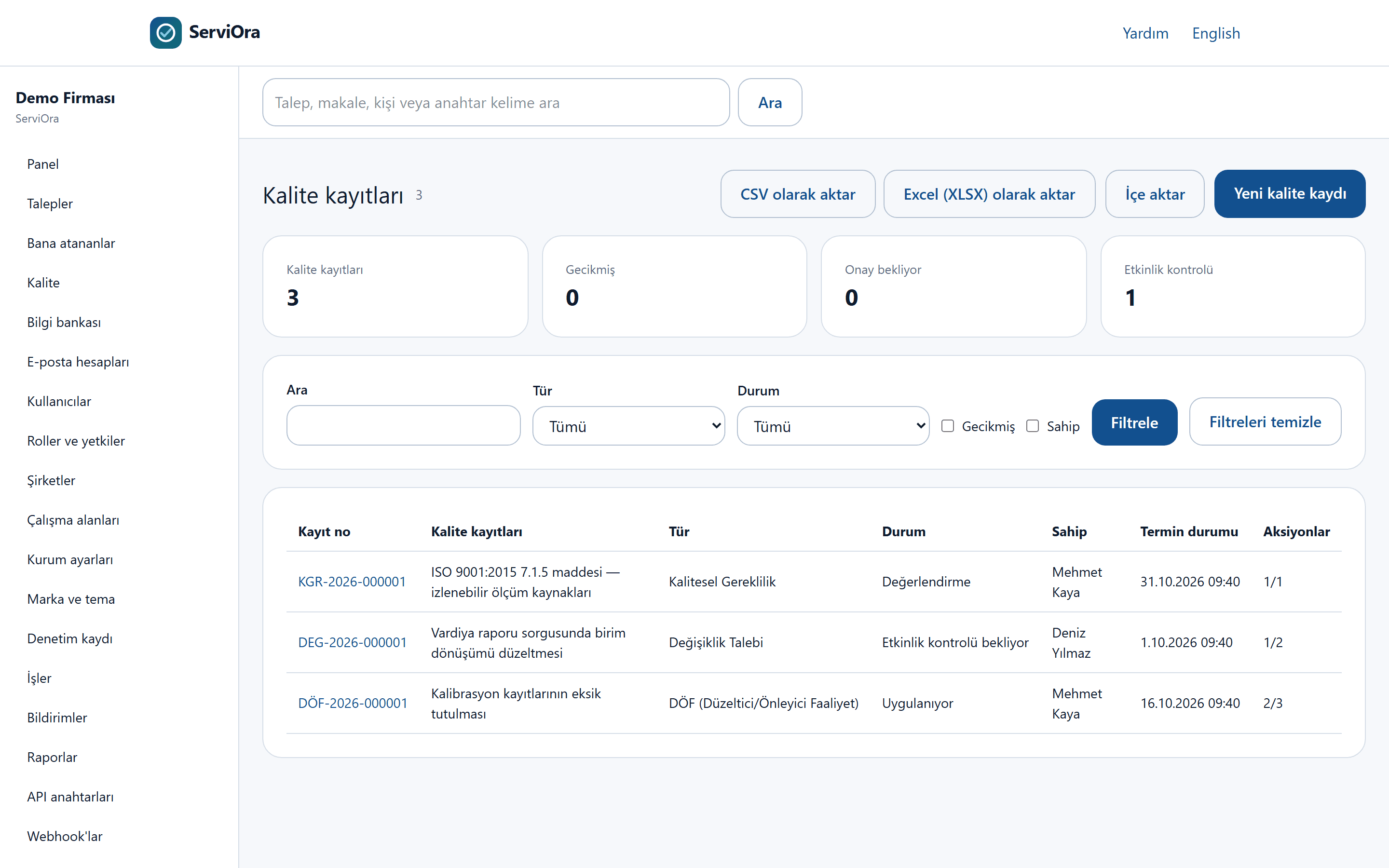
Run corrective and preventive actions, change requests and requirements with approvals, revisions and a full audit trail.
Approval steps follow the user and role.
Quality records are archived, never deleted.
Project and work tracking
Group work under projects, assign owners and due dates, and follow work linked to support tickets in one place.
Work items can be linked to a ticket and keep their status history.
Ownership and due dates are tracked in a single list.
Knowledge base and team notes
Turn resolved tickets into articles, publish them in both languages and let customers solve issues themselves.
Articles are managed as draft, published and archived.
Search is shared by the agent side and the portal.
Reporting
List and export ticket, work and quality data, and see open work and SLA state on the dashboard.
Lists export as CSV and XLSX.
Charts are fed only by real records; an empty result shows an empty state.
Integrations
Connect to your existing systems with email accounts, webhooks and a general HTTP API.
Outgoing events are delivered as signed webhooks.
Enterprise identity providers and API tokens are supported.
Modules that grow with your needs
Add quality, facility and field modules on top of the helpdesk. Every module can be switched on or off per licence plan; a disabled module does not appear in the menu.
ISO 9001 quality management pack
Document control, internal audits, risks and opportunities, supplier evaluation, training and competence, calibration, management review and quality objectives in one place.
Documents are published as approved revisions, with read acknowledgements and controlled-copy prints.
An audit finding, risk, calibration deviation or missed objective raises a linked CAPA.
Management review inputs are collected from real records.
Facilities, assets and preventive maintenance
Model your stores and branches as a hierarchy, register equipment with QR labels and generate work orders from maintenance plans automatically.
A brand manager sees every store; a store user sees only their own store.
Maintenance plans produce work items or field visits; compliance is reported per store and region.
Scanning a QR label takes the user straight to the equipment and to reporting a fault.
Contractors and suppliers
Assign work to external service companies, manage their quotes and costs through approval flows and rate their performance.
Costs above the configured amount do not proceed without approval.
A contractor technician sees only the work assigned to them.
Work cannot be assigned to an unapproved or blocked supplier.
Field teams and mobile use
Technicians run the day's visits from their phone; they keep working when the connection drops and records sync when it returns.
The check-in location is compared with the store's coordinates and recorded.
Photos, checklists and signatures are stored with the visit.
A visit finding raises a ticket, work order or CAPA; a critical finding cannot be left without an outcome.
Channels, service catalogue and automation
Collect requests from email, the portal and WhatsApp; get the right information first time with service catalogue forms and route it with rules.
Automation rules assign, prioritise, notify and escalate based on conditions.
SLA timers follow your business calendar and public holidays.
The WhatsApp channel works with your own Meta WhatsApp Business account and stays off until it is connected.
KVKK and corporate identity
Handle personal data requests with statutory deadline tracking, record consent, and let users sign in with their corporate accounts.
KVKK requests run with the 30-day deadline, reminders and an export package.
Consent records are never edited; a withdrawal is stored as a separate record.
Sign-in through OIDC or LDAP/Active Directory; group membership maps to roles.
AI layer: transparent and auditable
AI is not magic; it is a bounded assistant that works only as far as your organization explicitly allows.
Provider-agnostic: an OpenAI-compatible gateway is used, and you can connect your own model.
Local policy: requests leave only the infrastructure your organization approves.
PII masking: personal data is masked before it reaches the model.
Source-cited answers: replies reference knowledge base records.
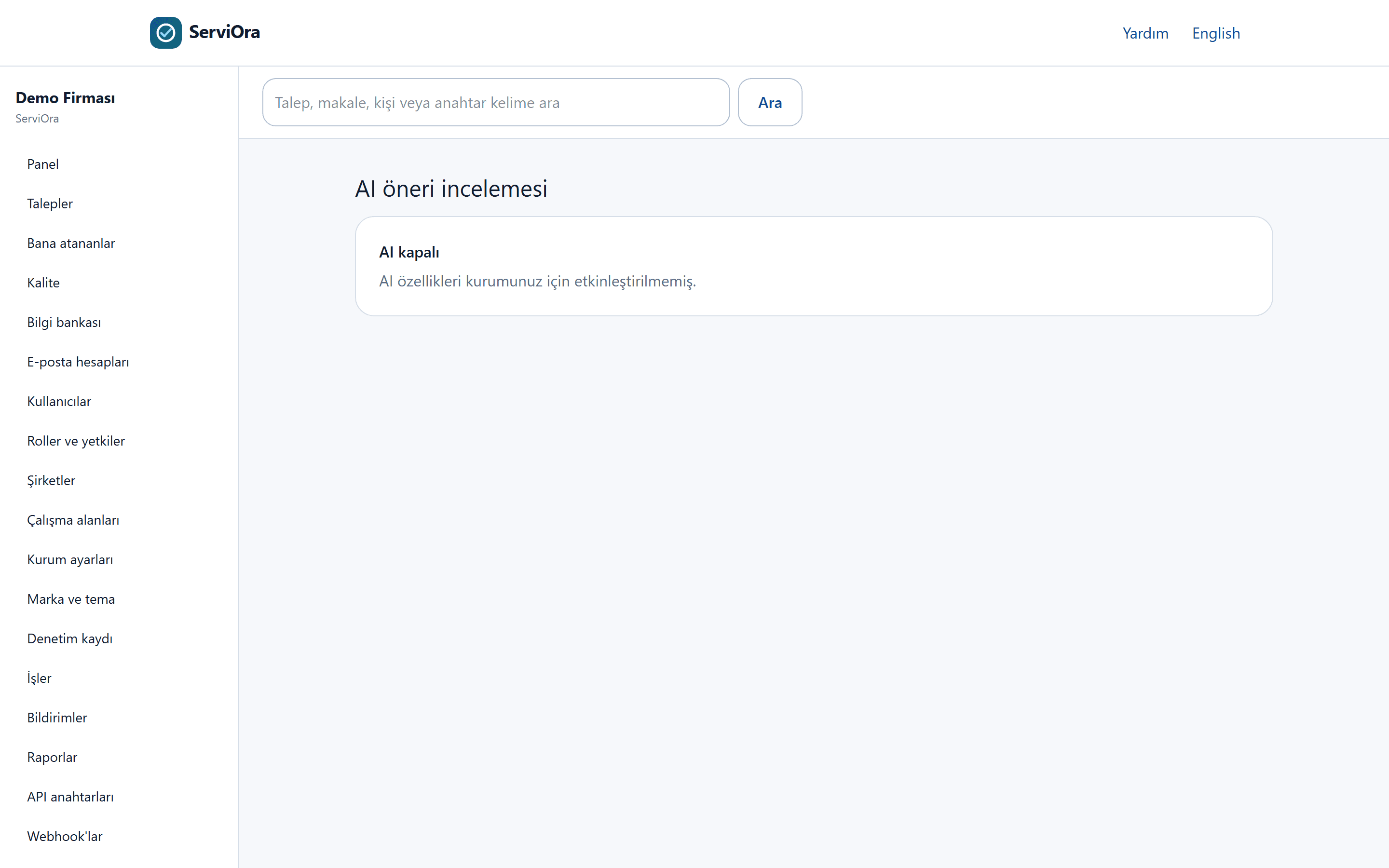
Off by default: AI features do not run until they are enabled for your organization.
Every AI action is bound to an approval and the audit trail, and can be undone.
Deployment and security
The deployment, backup and audit requirements an enterprise install calls for.
Deployment
The deployment package ships with rollback and backup scripts.
Deployment to fit your environment
The installation adapts to your existing server and network environment; the cloud is not required.
Your data stays with you
All records are stored only on your own infrastructure.
Backup and rollback
Backup, restore and version-upgrade steps are defined as scripts.
Security and audit
Every write is recorded; records are retained and quality data is never deleted.
Audit trail
Changes are stored with the user, the time and the previous value.
Retention policy
Retention anonymizes or archives; it never destroys quality records.
Secret encryption
Stored provider passwords are encrypted with AES-256-GCM.
Company isolation
Queries pass through the company filter; a customer user cannot see another company's records.
How we start
We begin with a short discovery and move to an install running on your data.
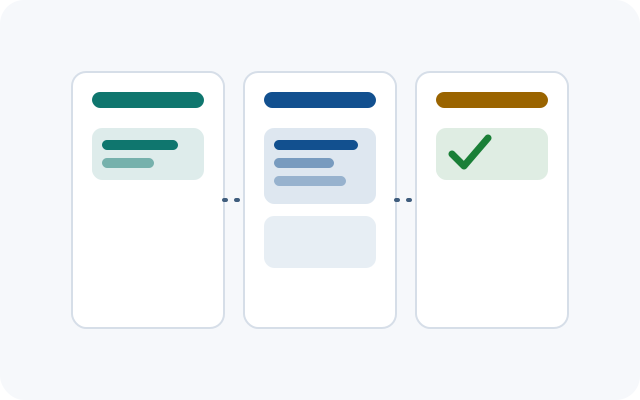
Step 1 · Discovery
We discuss your needs, existing records and permission structure.
Step 2 · Deployment
We install to suit your environment and enable backup and security settings.
Step 3 · Data migration
We migrate your contact, company, ticket, CAPA, asset, vendor and ISO records with a dry run first.
Step 4 · Go-live and training
We train your team and support you in live use.
Frequently asked questions
Where is it installed?
It runs on your own server (on-prem) or in a hosted environment.
Can we migrate our existing Excel records?
Ready-made Excel templates exist for contacts, companies, tickets, CAPA and actions, assets, vendors, the document register, the risk register, calibration instruments and certificates, training certificates and quality objectives; a dry run is performed before importing.
How many languages are supported?
The interface and content work in Turkish and English.
Can we use our own logo and colors?
Yes. Logo, colors, login screen and document headers can be defined per organization.
Are AI features on by default?
No. AI features are delivered off per organization; no AI call is made until you enable them.
Where is our data stored?
Data is kept only on your own server; it is not moved to the cloud.
Can ServiOara get us ISO 9001 certified?
Certificates are issued by the certification body. ServiOara keeps your document, audit, risk, training, calibration and management review records orderly and traceable, which makes preparing for the audit easier.
Is it suitable for store chains and multi-branch organisations?
Yes. Companies are modelled as parents and children; a brand manager sees tickets, equipment and maintenance status for every store, a store user sees only their own store. Reports group by region and store class.
Do WhatsApp messages become tickets?
Yes. Once your organisation's Meta WhatsApp Business account is connected, incoming messages are matched to the contact and added to a ticket, and replies are sent from the ticket screen. Until then the channel shows as "not configured".
Request a demo
Let us find a time that suits you and show the processes with your own data.
We walk through the processes with your own data.
We answer your deployment, migration and permission questions.
Fill in the form and we will get back to you.
The form is the existing demo request form; submissions are used for that purpose only.
ServiOara assistant
Ask about our product; I answer only from published content.